

This feature creates a new application with a unique name while copying the original’s resource settings and build configuration.
How to Clone
Navigate to App Settings
Navigate to the Settings tab of the application you wish to duplicate and click the Clone button .
Choose Target Cluster
Select the target cluster from the dropdown menu. You can clone an app into the same cluster or any other cluster in your project.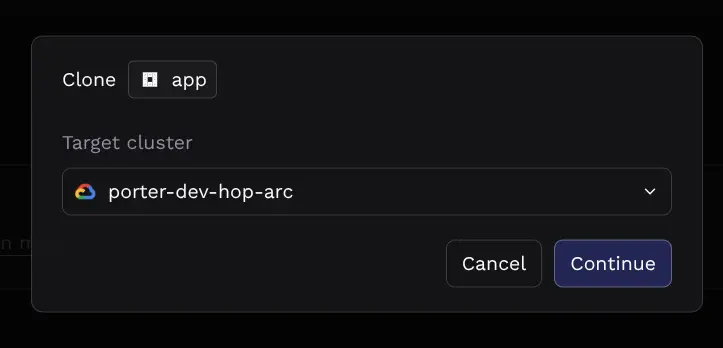
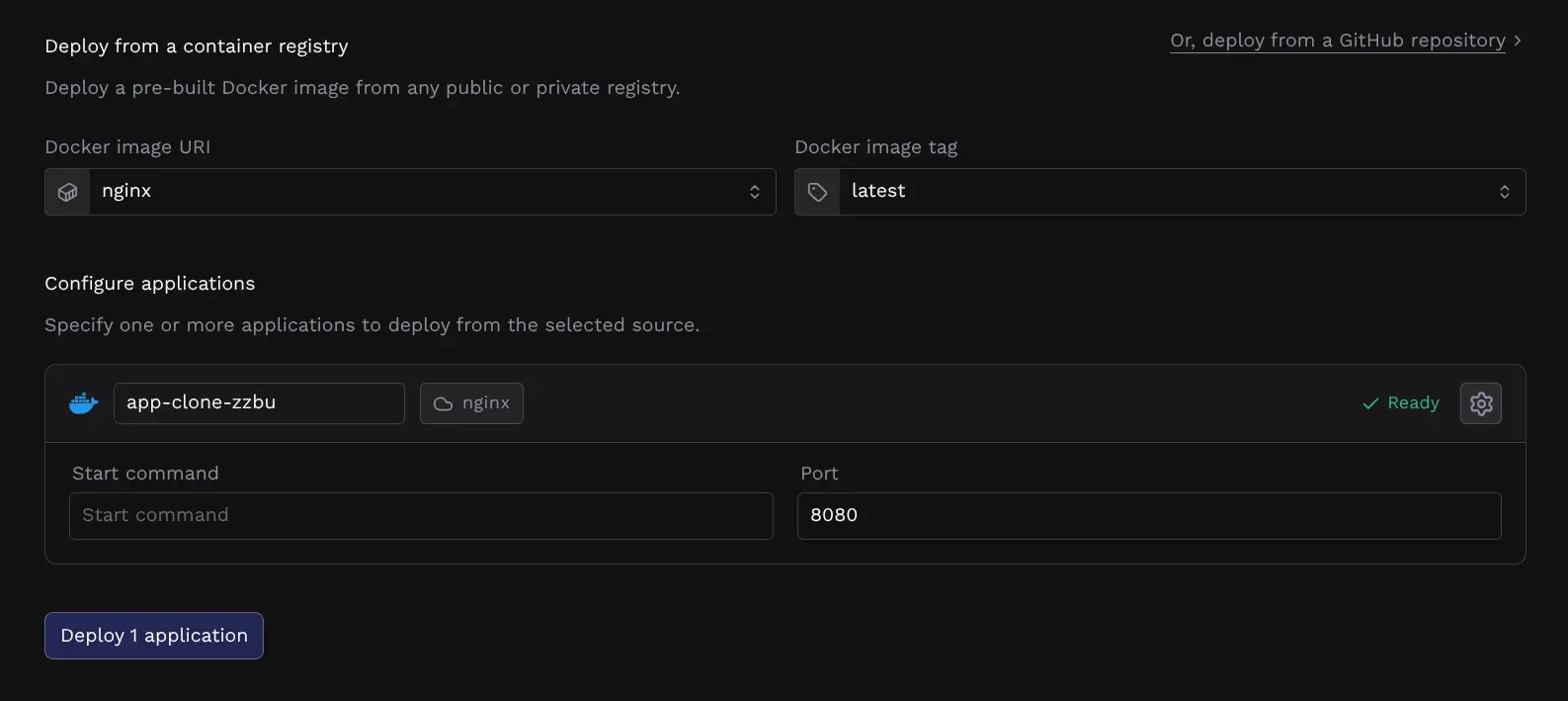
Important Considerations
Before cloning an app, please be aware of how specific configuration items are handled to prevent deployment failures and conflicts between environments:Common Workflows
Renaming an Application
Application names cannot be changed once created, but cloning can be used as an alternative to achieve this:- Clone the application and give it the new name.
- Update the environment variables and secrets on the new app.
- Once the new app is verified and healthy, delete the original application.
Migrating Traffic to a Different Environment
Because external domains are removed during cloning to prevent downtime on the source app, follow these steps to switch traffic:- Clone the application and verify it is running correctly.
- On the cloned app: Add the custom domain and redeploy.
- On the original app: Remove the custom domain in the Networking tab.