> ## Documentation Index
> Fetch the complete documentation index at: https://docs.porter.run/llms.txt
> Use this file to discover all available pages before exploring further.

# Concepts

> Understand Porter's core architecture including cloud accounts, clusters, applications, services, and how they fit together for deployments

Check out our [deployment documentation](/applications/deploy/overview), [infrastructure provisioning guides](/cloud-accounts/overview), and more.

<div className="mt-8 mb-12">
  <Columns cols={2}>
    <div className="max-w-xs">
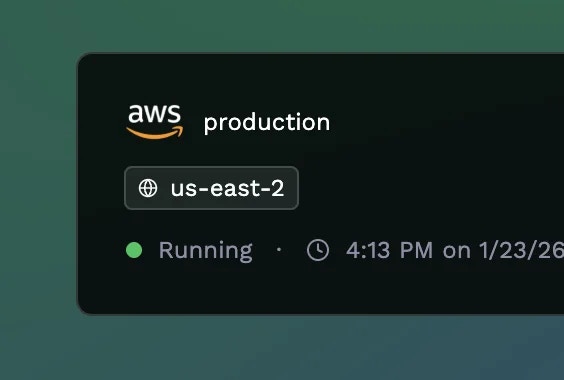
      <h2 className="!mt-0">Cloud Account</h2>

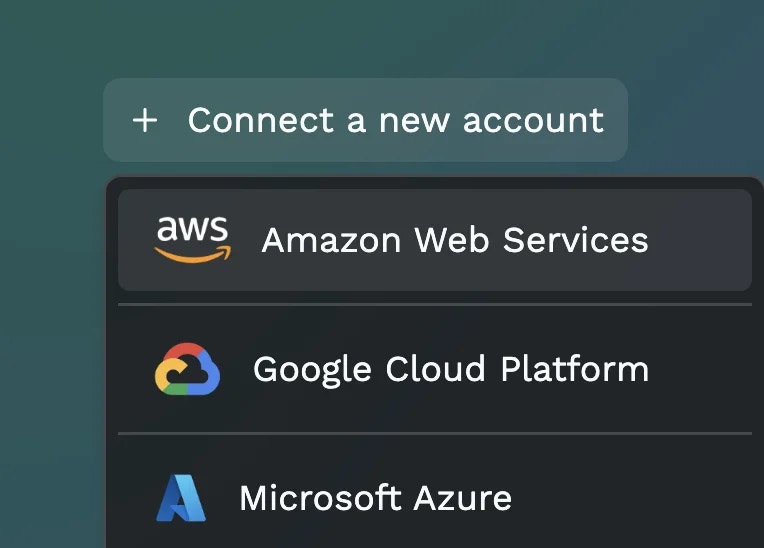
      Your cloud provider account where Porter provisions and manages infrastructure. Porter connects to your AWS, GCP, or Azure account using secure access methods, maintaining full ownership and control in your own cloud. All infrastructure costs can be covered with your cloud credits.
    </div>

    <Frame>
      <img src="https://mintcdn.com/porter/k87aZZFaLNfy9soJ/images/getting-started/cloud-account.webp?fit=max&auto=format&n=k87aZZFaLNfy9soJ&q=85&s=d0c2690a918f972989bf498b8aa4de0f" alt="Cloud account connection" width="764" height="548" data-path="images/getting-started/cloud-account.webp" />
    </Frame>
  </Columns>
</div>

<div className="mb-12">
  <Columns cols={2}>
    <div className="max-w-xs">
      <h2 className="!mt-0">Cluster</h2>

      A managed Kubernetes cluster that Porter provisions in your cloud account to run your applications. Porter abstracts away the complexity of Kubernetes while intelligently allocating your applications across available nodes based on resource requirements.
    </div>

    <Frame>
      <img src="https://mintcdn.com/porter/k87aZZFaLNfy9soJ/images/getting-started/cluster.webp?fit=max&auto=format&n=k87aZZFaLNfy9soJ&q=85&s=d8059f445e5948edbe9e28ff17b98525" alt="Cluster configuration" width="564" height="380" data-path="images/getting-started/cluster.webp" />
    </Frame>
  </Columns>
</div>

<div className="mb-12">
  <Columns cols={2}>
    <div className="max-w-xs">
      <h2 className="!mt-0">Node Group</h2>

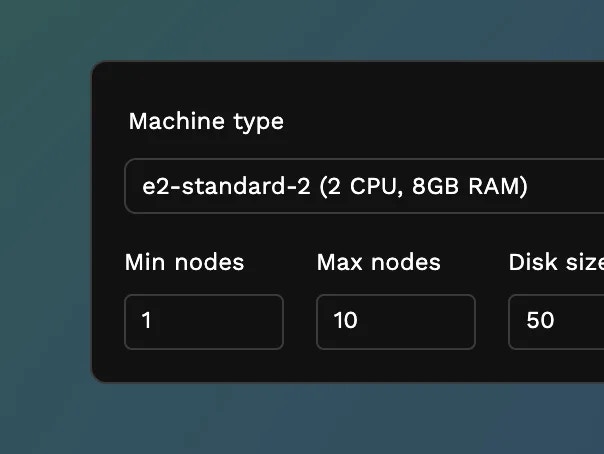
      Groups of compute instances that make up your cluster. Porter provisions three default node groups: System (for Kubernetes workloads), Monitoring (for observability), and Application (for your workloads, with autoscaling).
    </div>

    <Frame>
      <img src="https://mintcdn.com/porter/k87aZZFaLNfy9soJ/images/getting-started/node-groups.webp?fit=max&auto=format&n=k87aZZFaLNfy9soJ&q=85&s=053ddc5d587055e1041332938a37ae51" alt="Node groups configuration" width="604" height="454" data-path="images/getting-started/node-groups.webp" />
    </Frame>
  </Columns>
</div>

<div className="mb-12">
  <Columns cols={2}>
    <div className="max-w-xs">
      <h2 className="!mt-0">Application</h2>

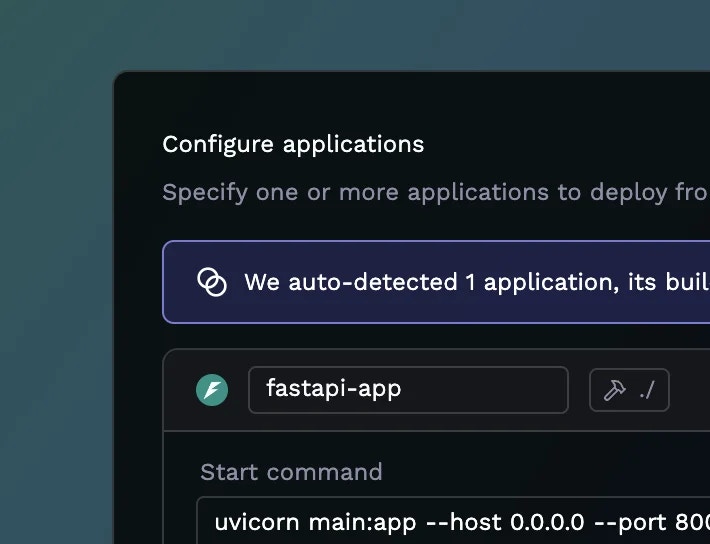
      A group of services that share the same build and environment variables. When you deploy from a Git repository, Porter builds your code once and can run multiple services from that same build. Porter also supports deployment from both public and private Docker registries.
    </div>

    <Frame>
      <img src="https://mintcdn.com/porter/k87aZZFaLNfy9soJ/images/getting-started/apps.webp?fit=max&auto=format&n=k87aZZFaLNfy9soJ&q=85&s=71ddc080a3832a12b91bc061c13a7aa1" alt="Configure applications" width="710" height="544" data-path="images/getting-started/apps.webp" />
    </Frame>
  </Columns>
</div>

<div className="mb-12">
  <Columns cols={2}>
    <div className="max-w-xs">
      <h2 className="!mt-0">Service</h2>

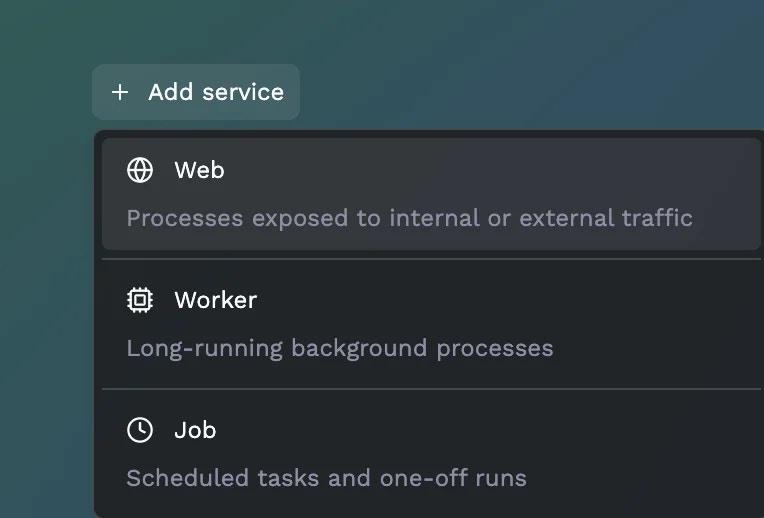
      Individual processes that make up your application. Each service can have different start commands, resource allocations, and configurations. Porter supports three types: **Web** (HTTP traffic), **Worker** (background processes), and **Job** (scheduled or on-demand tasks).
    </div>

    <Frame>
      <img src="https://mintcdn.com/porter/k87aZZFaLNfy9soJ/images/getting-started/services.webp?fit=max&auto=format&n=k87aZZFaLNfy9soJ&q=85&s=47f224c4fc602a063ade87deb55462bf" alt="Service types" width="764" height="518" data-path="images/getting-started/services.webp" />
    </Frame>
  </Columns>
</div>